

We raise the profile and recognition of skilled people, and show how important skills are in achieving economic growth.
Improving our world with the power of skills
Apply for BeChangeMaker 2024
Deadline: 25 May
-
Join the European Union Year of Skills closing event
25 April 2024
-
Five reasons why skills are driving the green transition
23 April 2024
-
Dominican Republic selects young talent for WorldSkills Lyon 2024
19 April 2024
Sign up for our Newsletter
WorldSkills Lyon 2024
MoreThe 47th WorldSkills Competition will take place 10 to 15 September 2024 in Lyon, France.
-
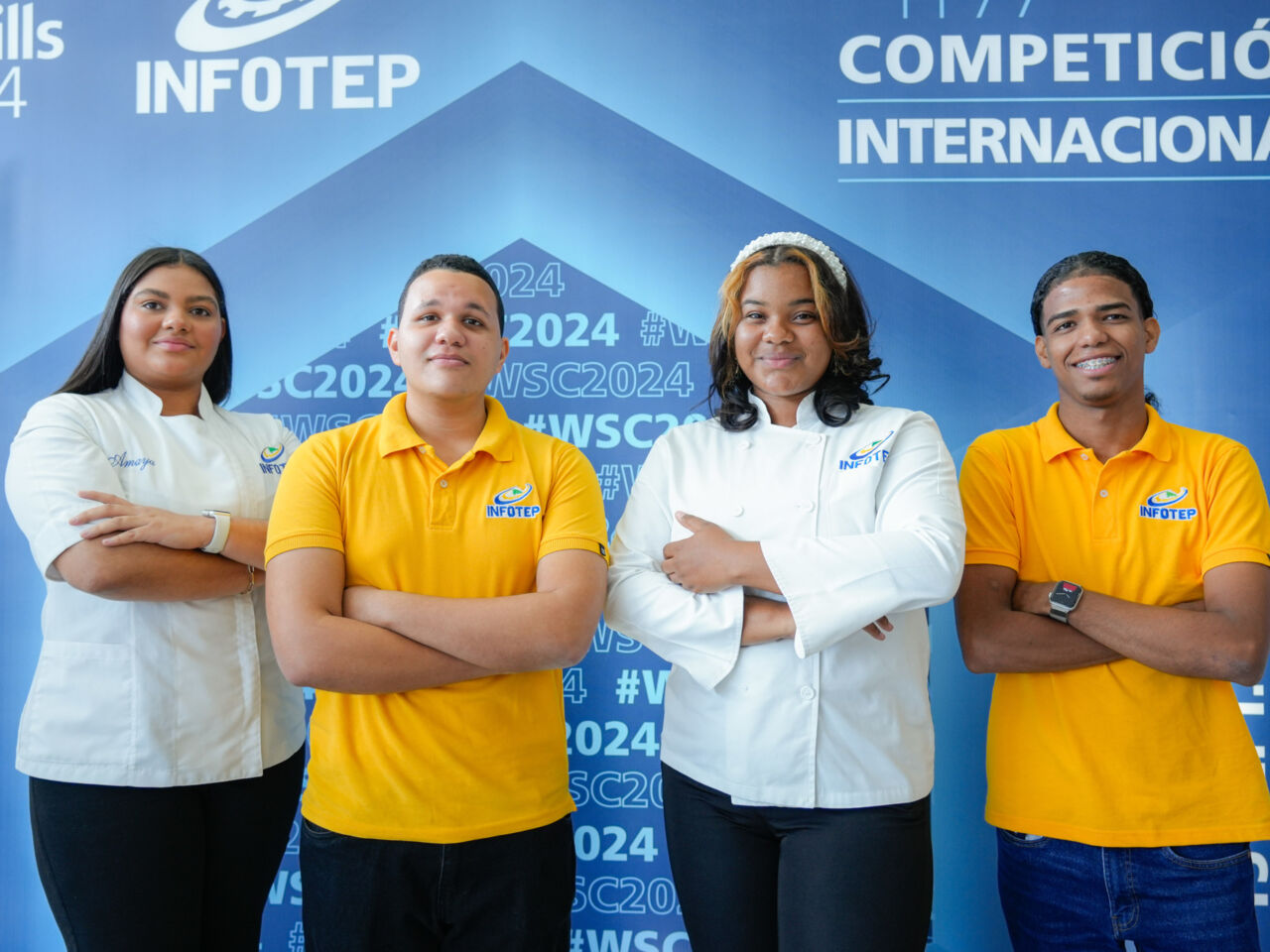
Dominican Republic selects young talent for WorldSkills Lyon 2024
19 April 2024
-

Secure priority access for WorldSkills Conference 2024
18 April 2024
-
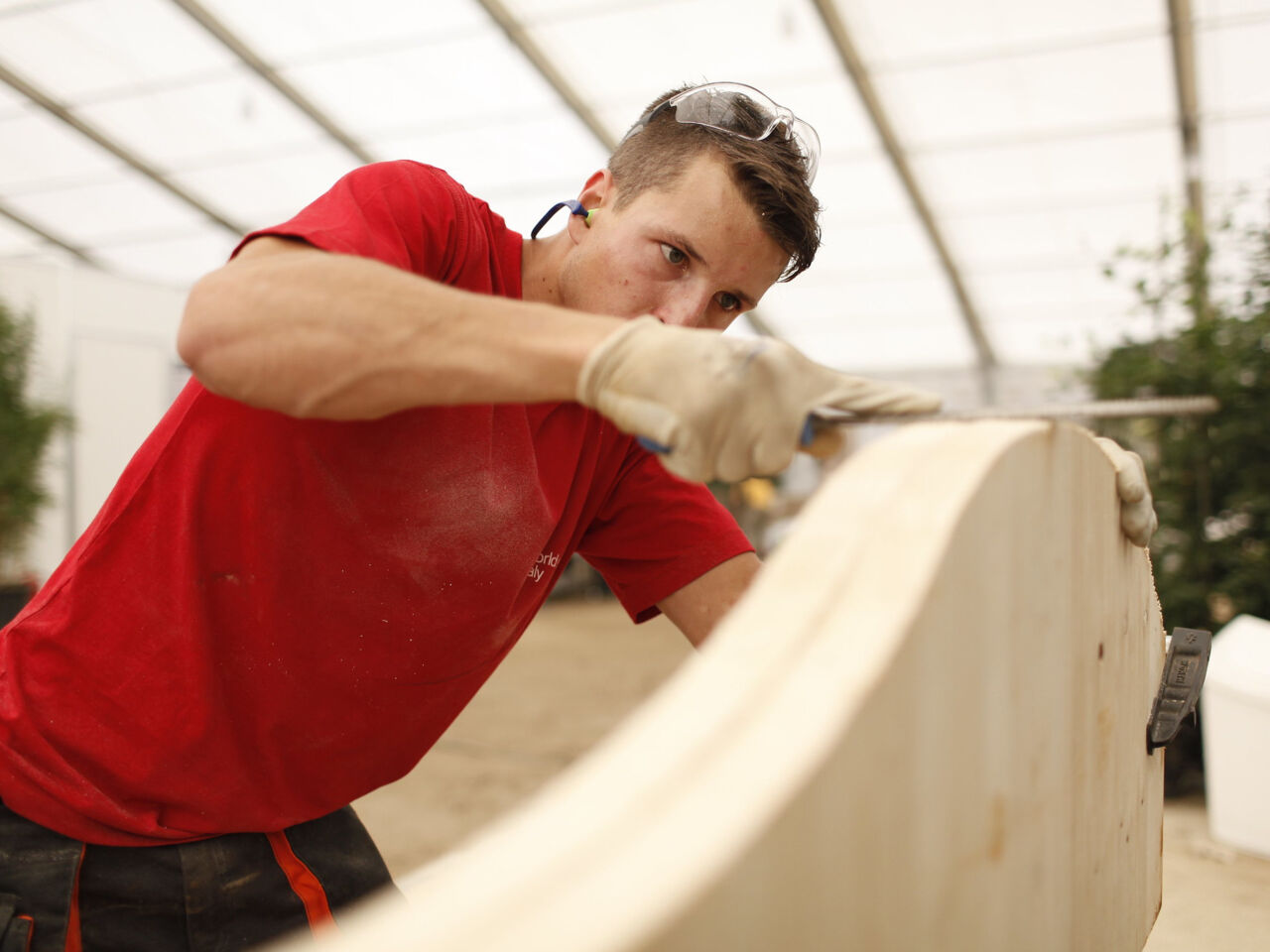
Sustainability and greening of skills embedded into all WorldSkills competitions
17 April 2024
-

WorldSkills Lyon 2024 media accreditation now open
4 April 2024
Meet the Champions Trust
More-
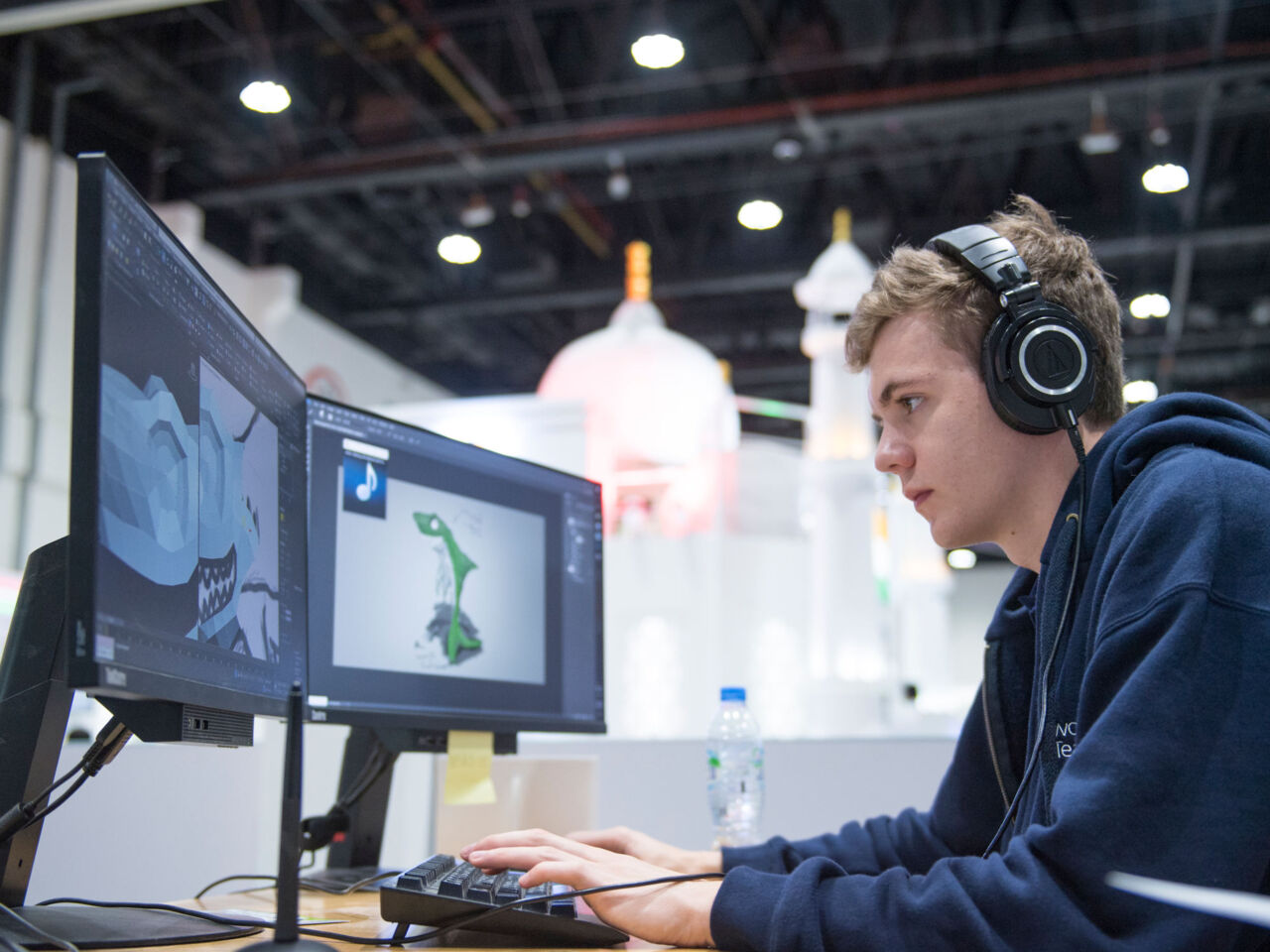
Meet Dan McCabe, returning WorldSkills Champions Trust representative for Europe
30 November 2023
-

Meet Shae White, returning WorldSkills Champions Trust representative for the Americas
10 October 2023
-
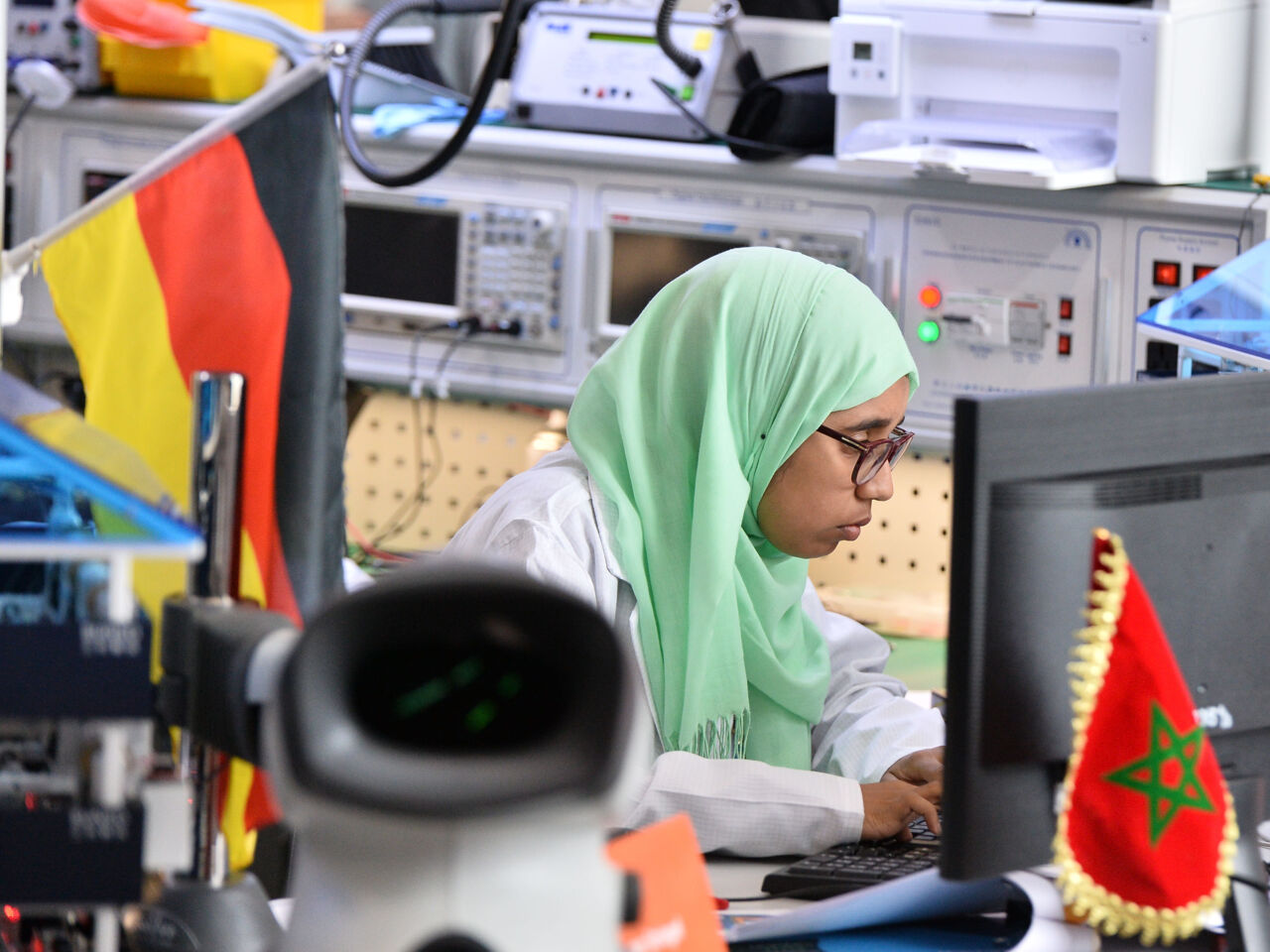
Meet Yousra Assali, returning WorldSkills Champions Trust representative for MENA
6 October 2023
-
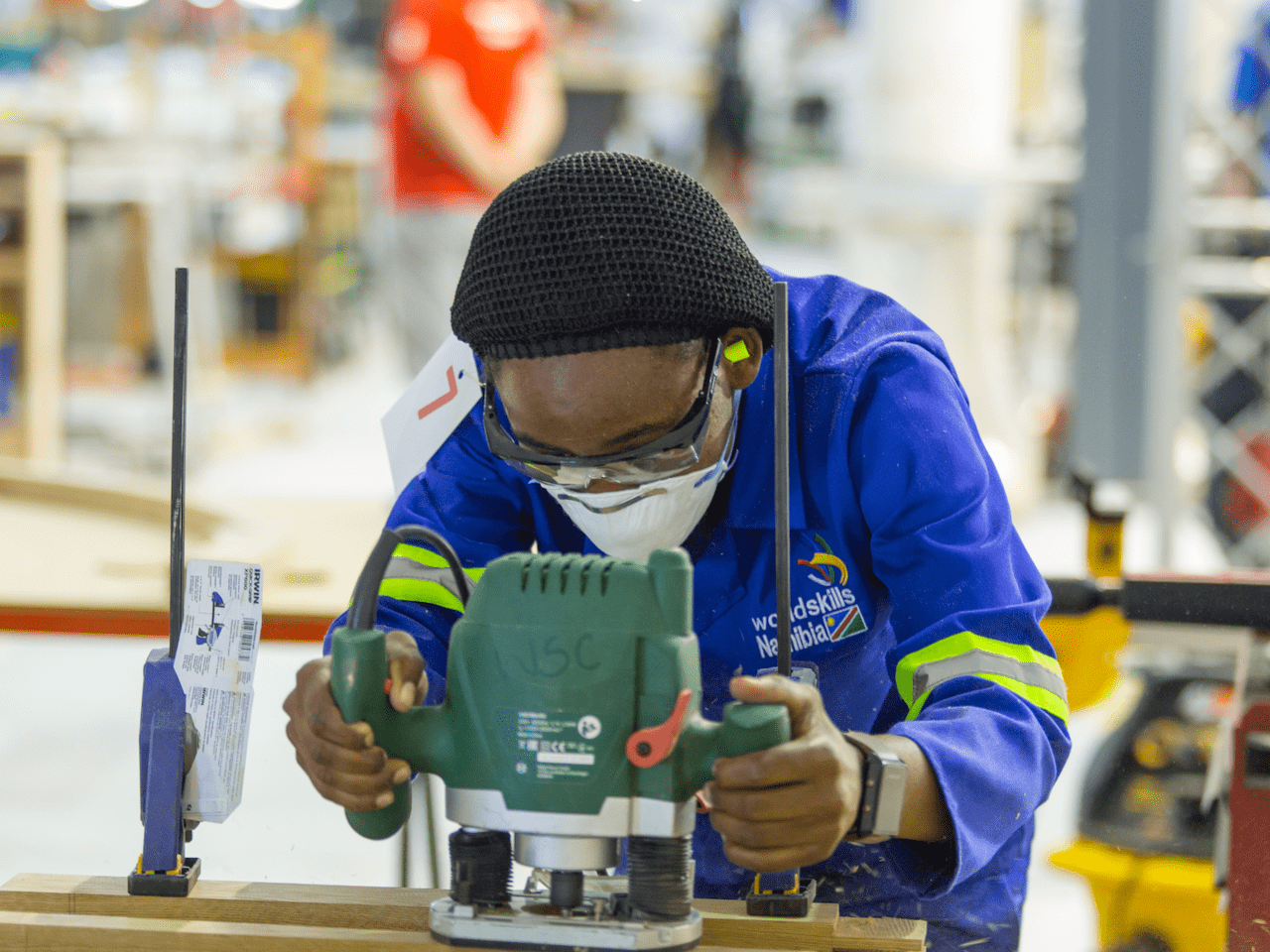
Meet Justina Ashiyana, the new WorldSkills Champions Trust representative for Africa
26 August 2023
We are WorldSkills.
See all storiesThis year we're shining a light on the many voices and faces among our community, telling their stories, sharing the impact they are having.
-

We Are WorldSkills. Network with us.
Discover how WorldSkills Alumni are creating a network of talent in Korea.
-

We are WorldSkills. Develop with us
Find out how SkillsUSA are creating a successful workforce through self-led learning.
-
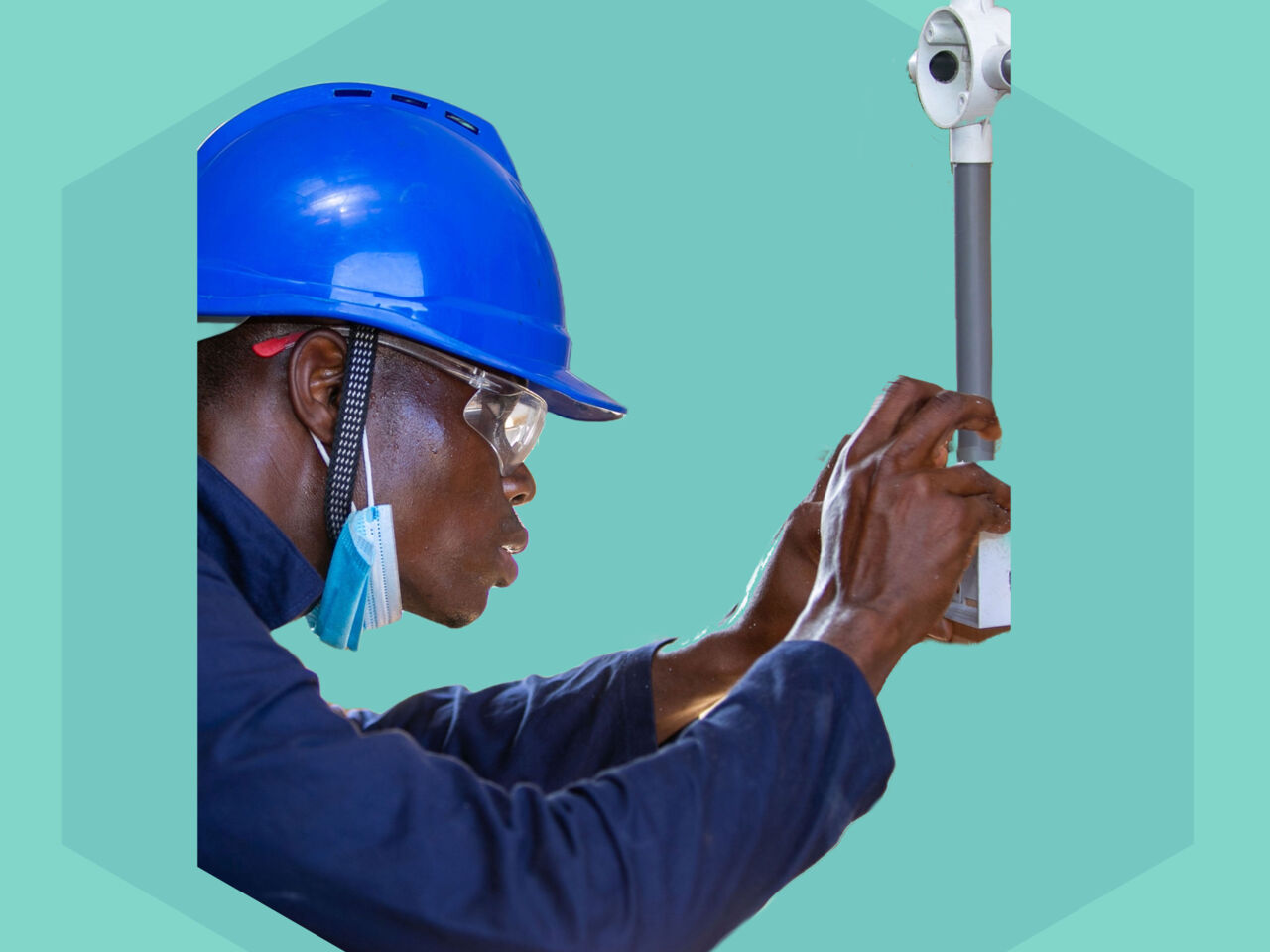
We Are WorldSkills. Build capacity with us.
How WorldSkills Ghana and WorldSkills Germany have worked together to accelerate progress towards national strength in skills.
-

We are WorldSkills. Get ahead with us.
Find out how SkillsUSA are giving skilled learners a “skills advantage”.
Project updates
See all projects-
This is your year to be a change maker
11 April 2024
-
Applications open for BeChangeMaker 2024
14 March 2024
-
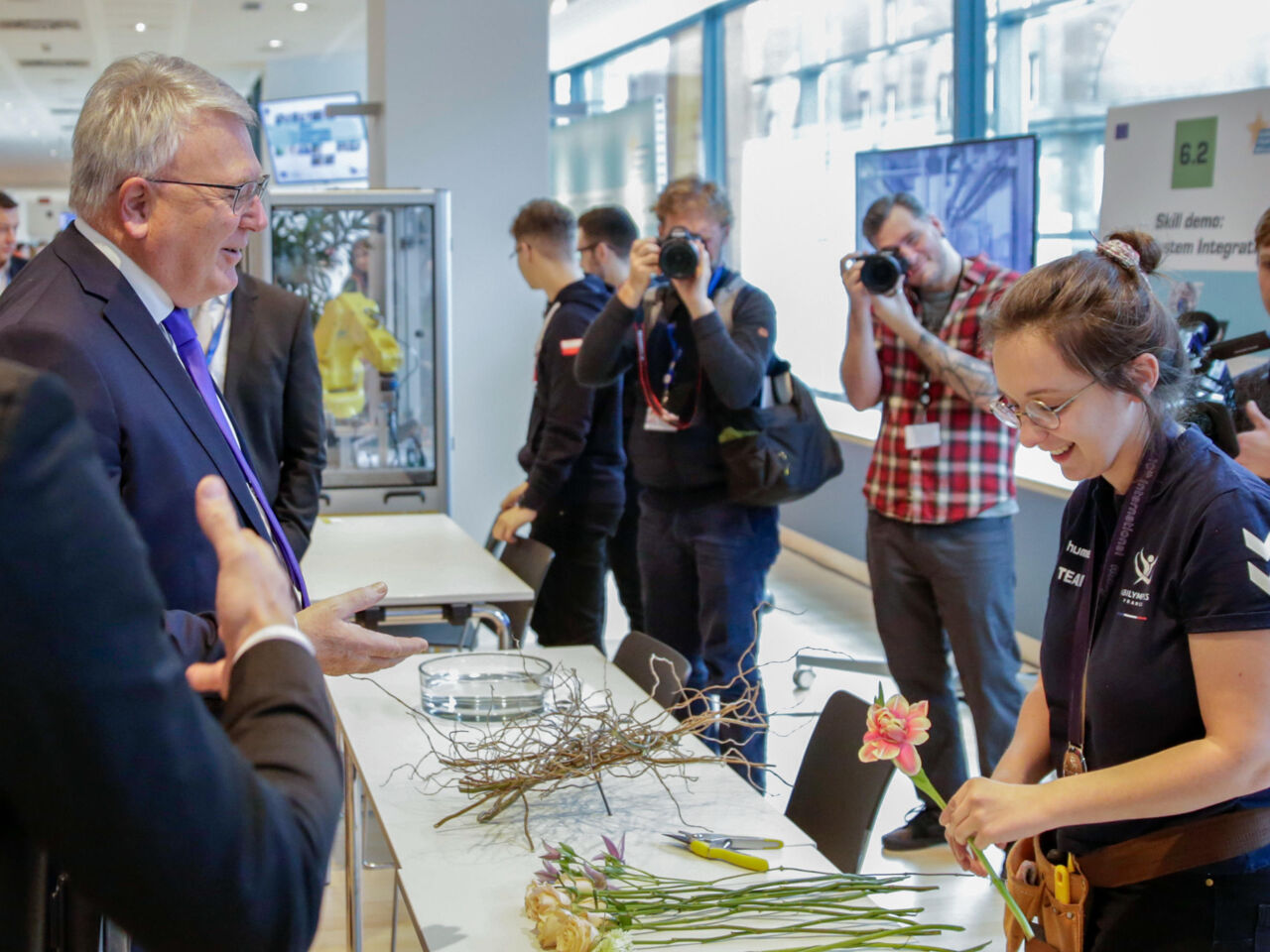
European Commission hosts ‘Champions of Excellence’ event in Brussels
23 February 2024
-
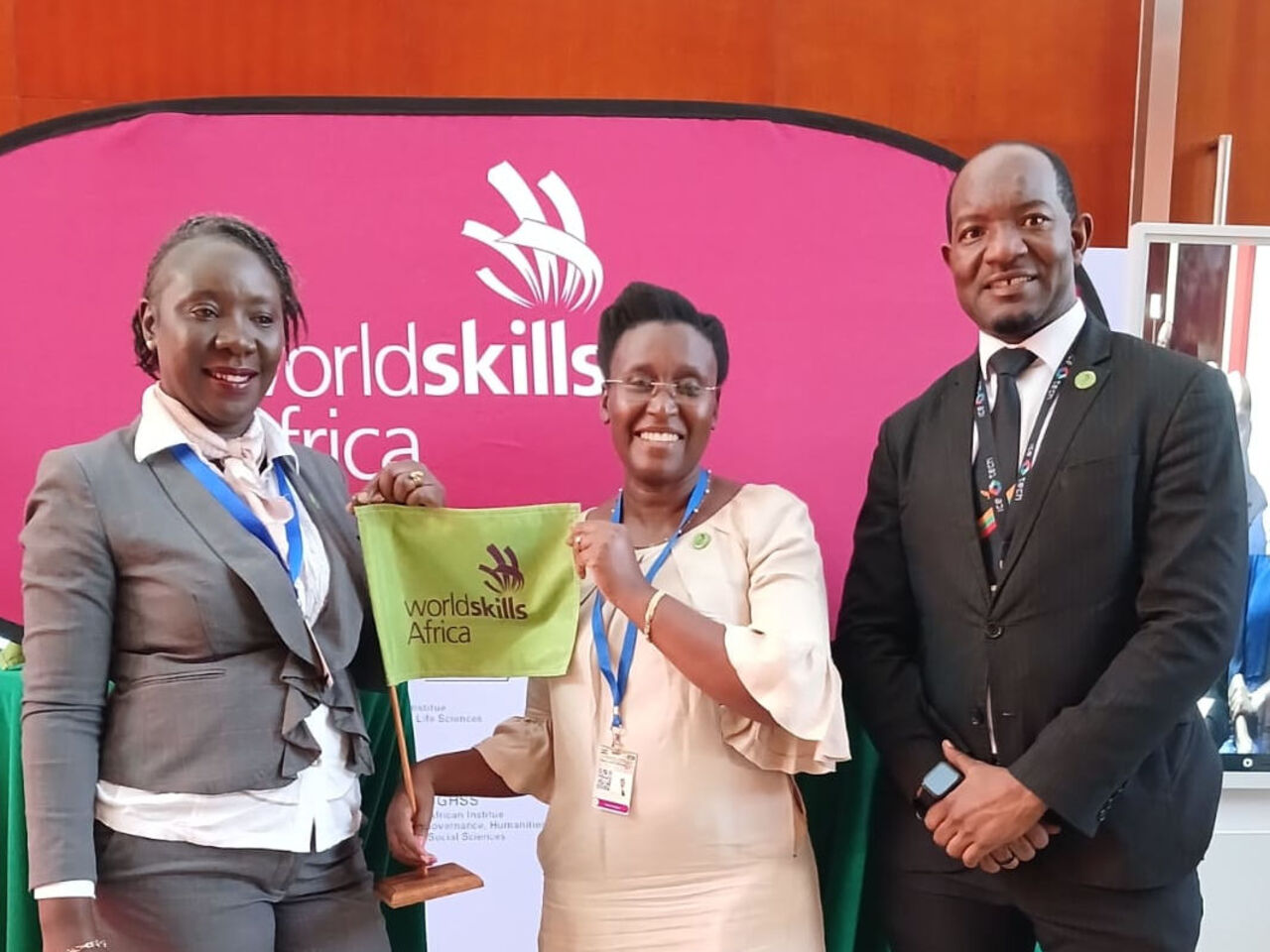
WorldSkills Africa launched today
17 February 2024
Events
See all events
WorldSkills Lyon 2024
10 to 15 September 2024
WorldSkills Conference 2024
11 to 12 September in Lyon, France
Our Partners
Global Partners see a role for industry, education, government, and policy makers to work together to raise the profile and recognition of skilled professionals around the globe. Together we are increasing the abilities, status, and economic prospects of young people.
Global Premium Partners of WorldSkills International
In dynamic times, the one constant is the ability of skills to shape and define our world.